
What to look for in a mileage tracker
Start with the job: reimbursement records, a personal driving ledger, fleet administration, or vehicle and fuel-cost insight. Then verify platform limits, export format, data ownership and ongoing review effort.
MILEAGE TRACKING PLUS THE REAL COST OF DRIVING
A buyer guide for choosing between a dedicated mileage log and a broader driving and fuel companion.
The right app depends on the record you need, the phone and vehicle you use, and whether fuel decisions matter alongside distance. No single tool is the right fit for every driver.
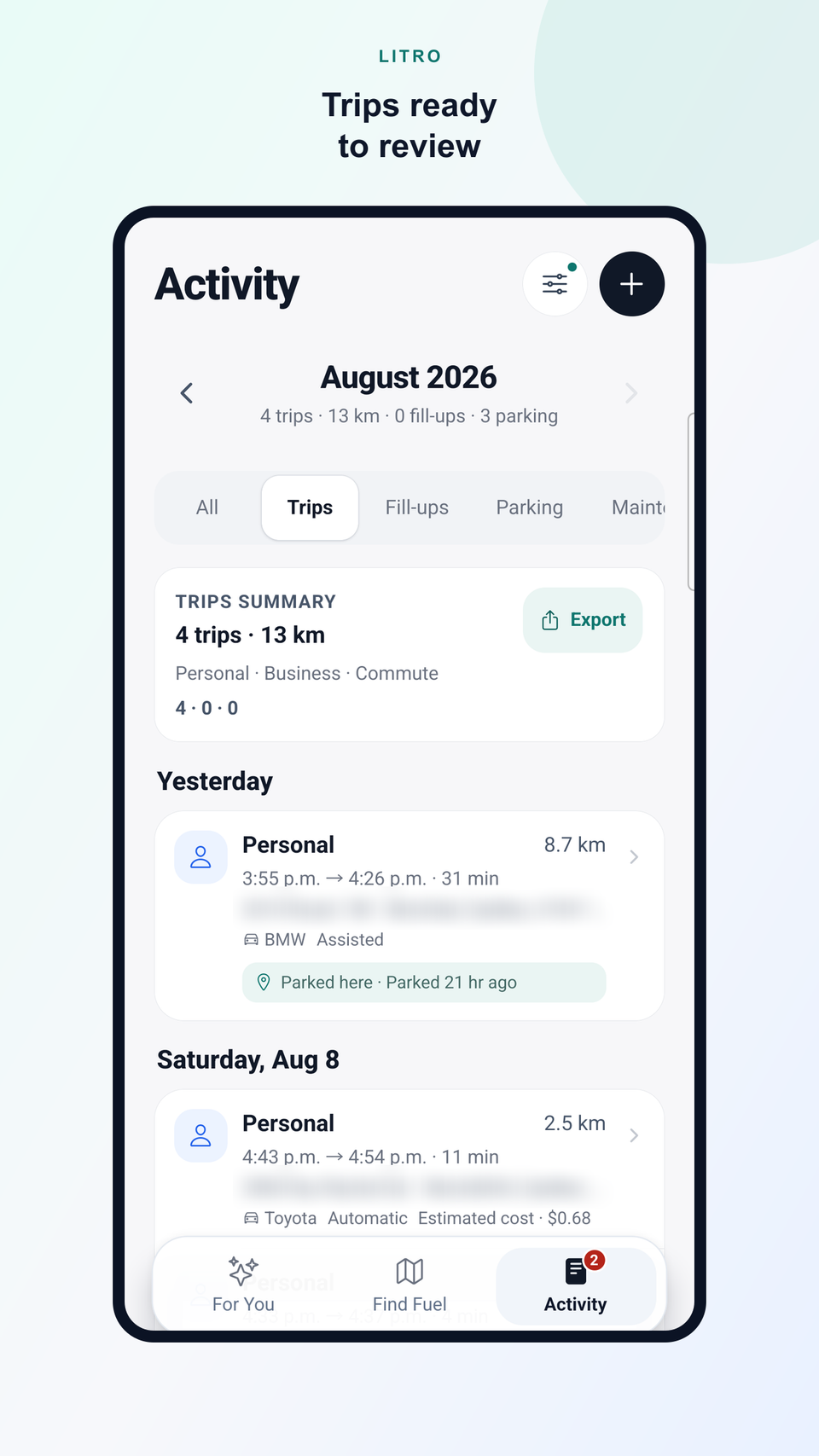
Start with the job: reimbursement records, a personal driving ledger, fleet administration, or vehicle and fuel-cost insight. Then verify platform limits, export format, data ownership and ongoing review effort.
Automatic capture can reduce forgotten trips, but it always depends on operating-system permissions, device behaviour and product design. Manual recording remains useful for corrections, occasional trips and platforms without supported automation.
Look for a review queue that makes ambiguous drives easy to correct. A clear category should be portable in an export without turning the app into a tax authority.
Check date ranges, vehicle filters, category filters, file format and whether places or route geometry are optional. Litro offers a neutral trip CSV and makes no tax-certification claim.
Distance alone does not explain driving cost. Refuel price, litres, vehicle consumption, station freshness and detour distance can add useful context when the app supports them.
Drivers who switch vehicles need trips, odometer context, fill-ups and reports attached to the correct profile. Confirm how the app selects or changes the active vehicle.
Review when location is used, whether background tracking is optional, what leaves the device, and whether exports include precise places or route geometry by default.
FIVE DIFFERENT FITS
Prominent for drivers who want trip history connected to vehicle consumption, refuels, available fuel prices and fill-up decisions. Automatic recording remains a bounded Android beta; manual recording is available.
Get the appMay suit drivers whose main job is a dedicated mileage log with automatic or manual tracking, classification and reports.
Driversnote alternativeMay suit drivers who prioritize background drive capture, quick classification and a web mileage-report workflow.
MileIQ alternativeMay suit self-employed drivers who want mileage tracking alongside a broader expense workflow.
Everlance alternativeMay suit drivers or teams that want several automatic tracking methods, vehicle support and mileage administration options.
TripLog alternativeChoose based on the primary record or decision you need. Verify current availability, platform support, exports and privacy directly with each provider.
No. Operating-system permissions, battery controls, hardware and each product’s detection method can change behaviour.
No. Litro provides a neutral trip CSV export and does not make a tax-certification claim.
Litro connects confirmed fill-ups, vehicle consumption and trip history when the required data is available. Other products should be checked against their current official documentation.
Pricing changes quickly and can vary by plan or region. This guide avoids stale price comparisons and links to official product sources for current details.
Driversnote, MileIQ, Everlance and TripLog are trademarks of their respective owners. Litro is not affiliated with or endorsed by those companies. Product information was last reviewed on August 25, 2026.
LITRO FUEL COMPANION
Use the current Litro Android acquisition path to explore trip history, vehicle context, fuel prices, fill-ups and savings.